Connect Seismic to sync sales enablement content as knowledge
Use the instructions below to enable the Seismic integration in Endgame. Once enabled, Endgame will process content from your Seismic instance and provide insights via the Endgame UI.
To connect to the Seismic API, you must be a Seismic Administrator.
1
Access Seismic integration
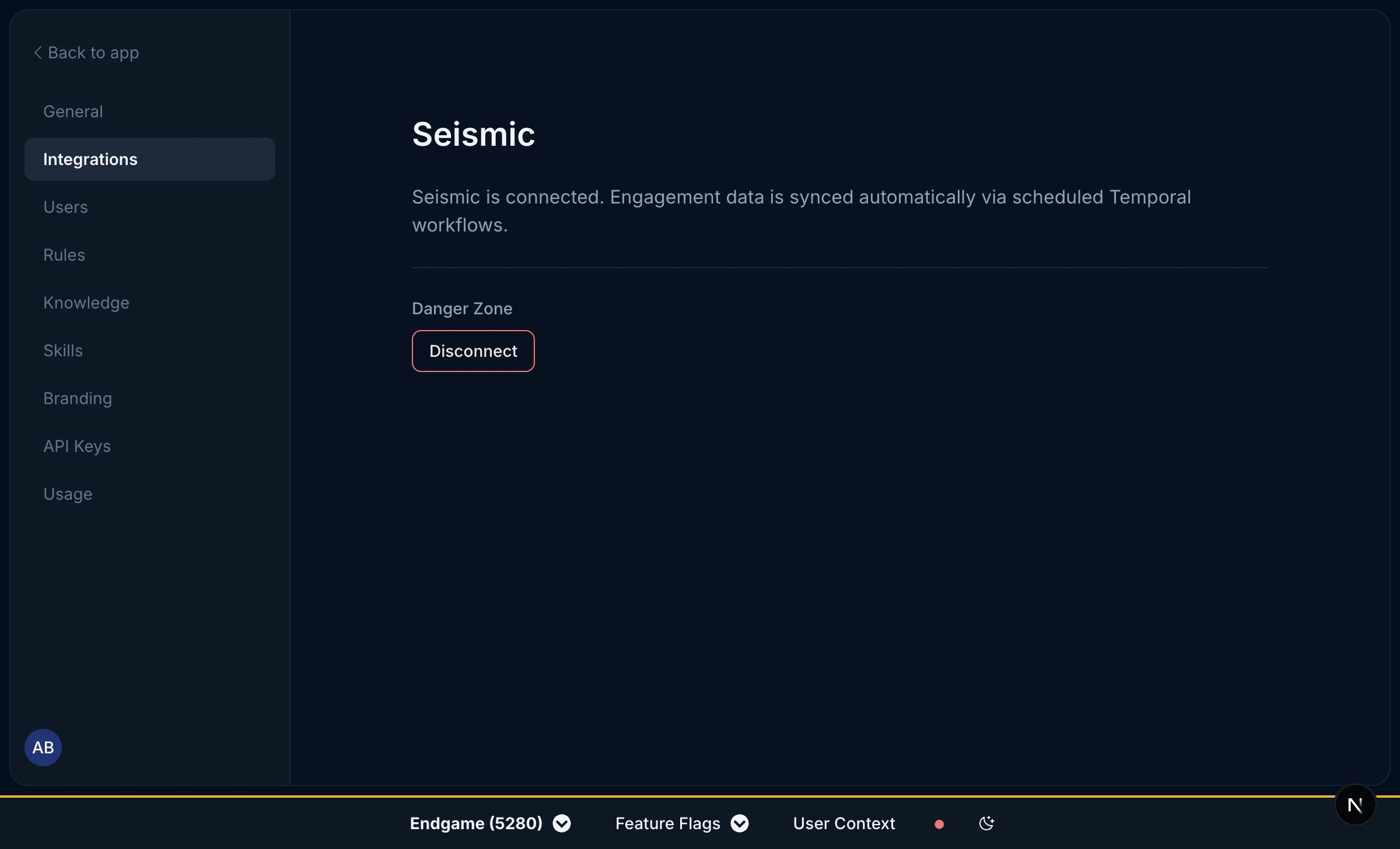
Log into Endgame and navigate to the integrations page. Only Endgame Admins can configure organization integrations. Click “Connect” for Seismic to begin the setup process.
Seismic connection
2
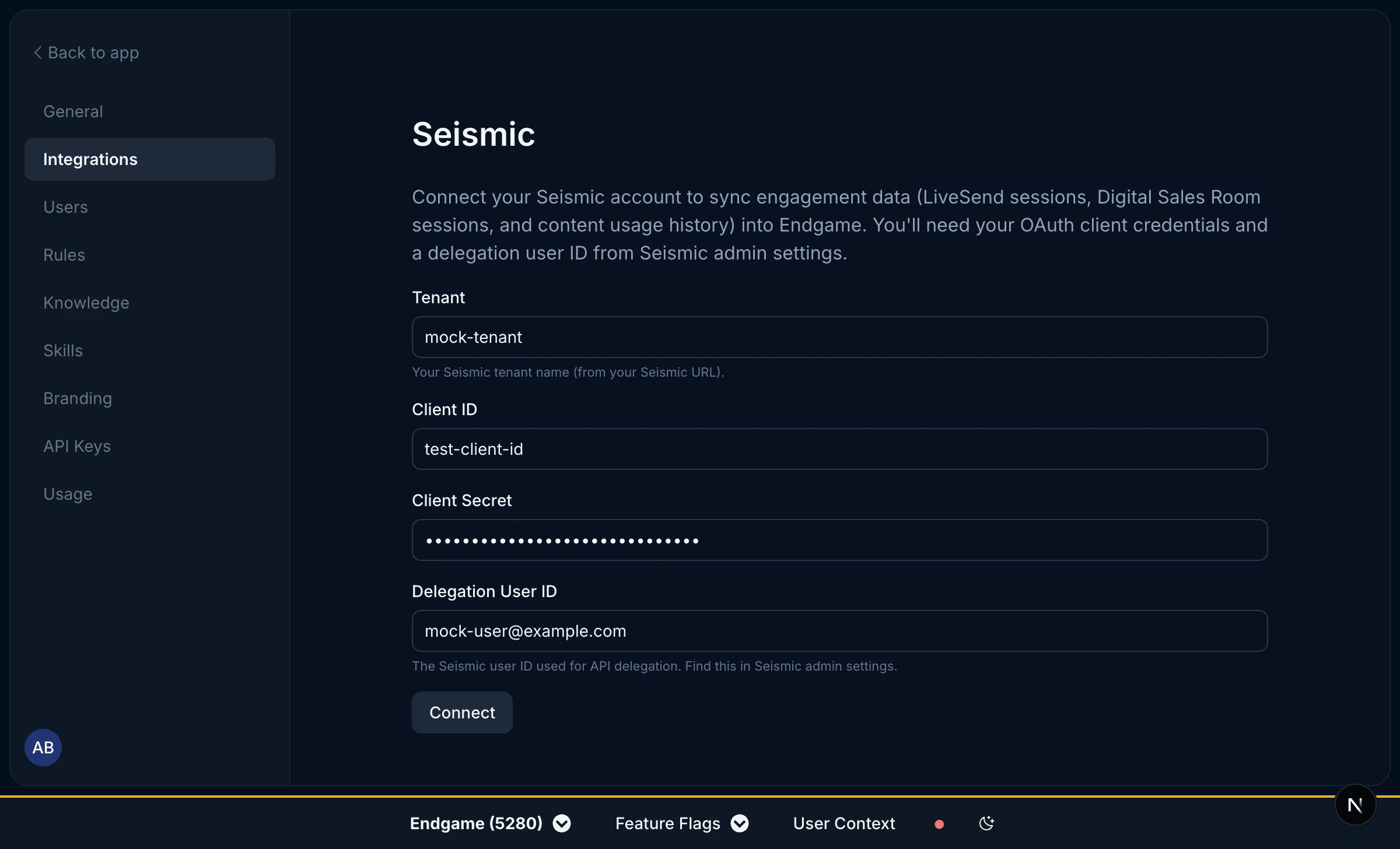
Add Seismic credentials
You will need your OAuth client credentials and a delegation user ID from your Seismic admin settings. Enter the following four fields and click Connect:
Tenant — your Seismic tenant name (from your Seismic URL)
Client ID — your OAuth client ID
Client Secret — your OAuth client secret
Delegation User ID — the Seismic user ID used for API delegation (find this in Seismic admin settings)
Once your credentials have been added, Endgame will initiate ingestion and processing of your Seismic content.
Seismic connection inputs
3
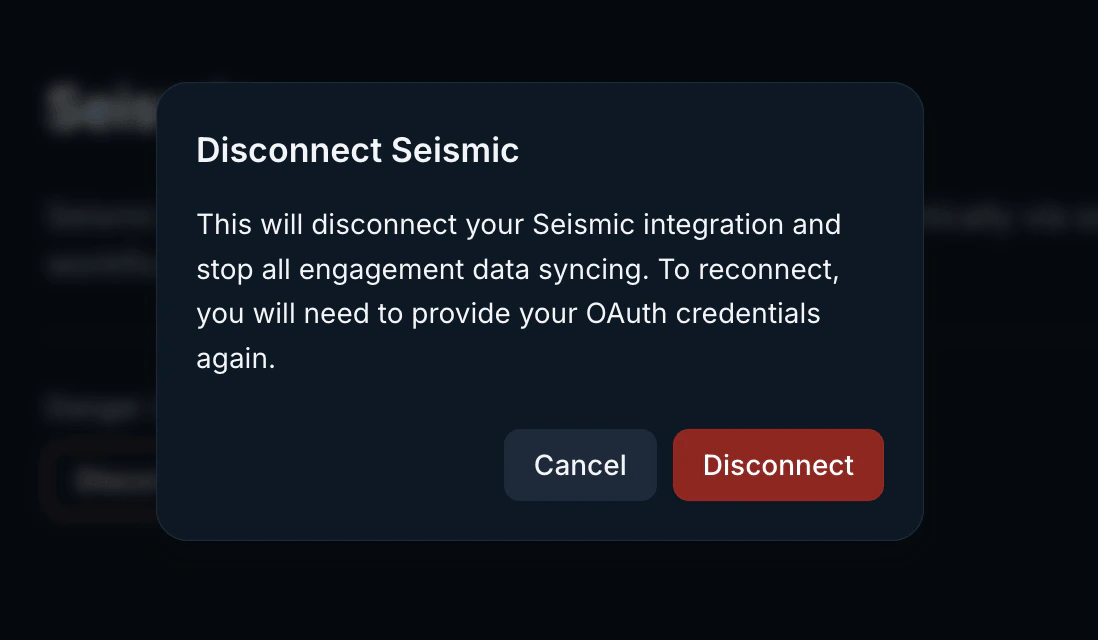
Disconnect your integration
Users can disconnect their Seismic connection at any time. Disconnecting will stop all engagement data syncing. To reconnect, you will need to provide your OAuth credentials again.To disconnect, click the Disconnect button in the Danger Zone section.