Connect to Microsoft Outlook Calendar to sync your calendar data
Access to Microsoft integrations is managed by your organization. If the
Outlook integration isn’t visible in Endgame, your organization hasn’t enabled
it yet.
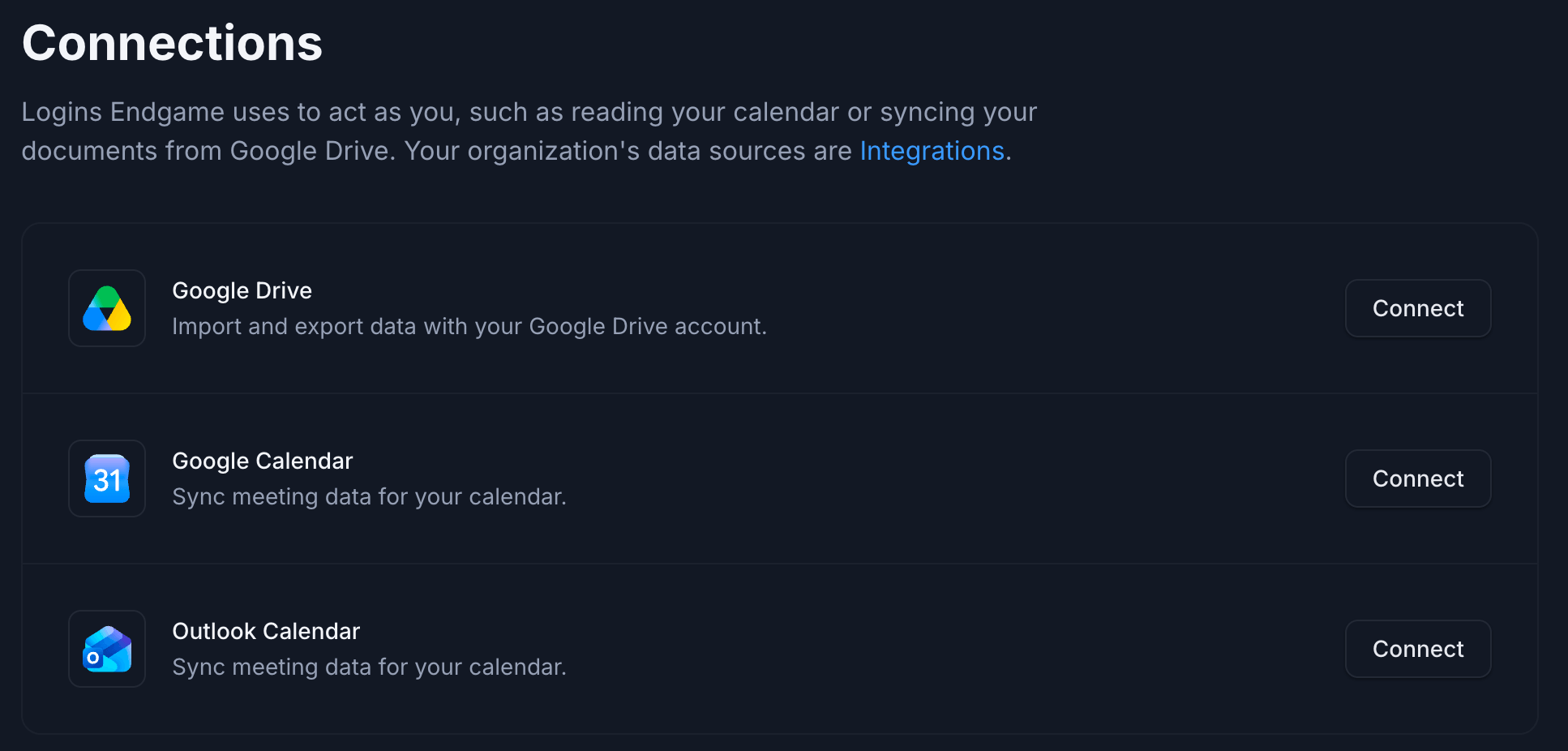
Individual users can sync their Outlook calendars to provide more accurate and comprehensive meeting data for use in chat responses. This can be done in Settings > Connections.
Microsoft Outlook Calendar connection
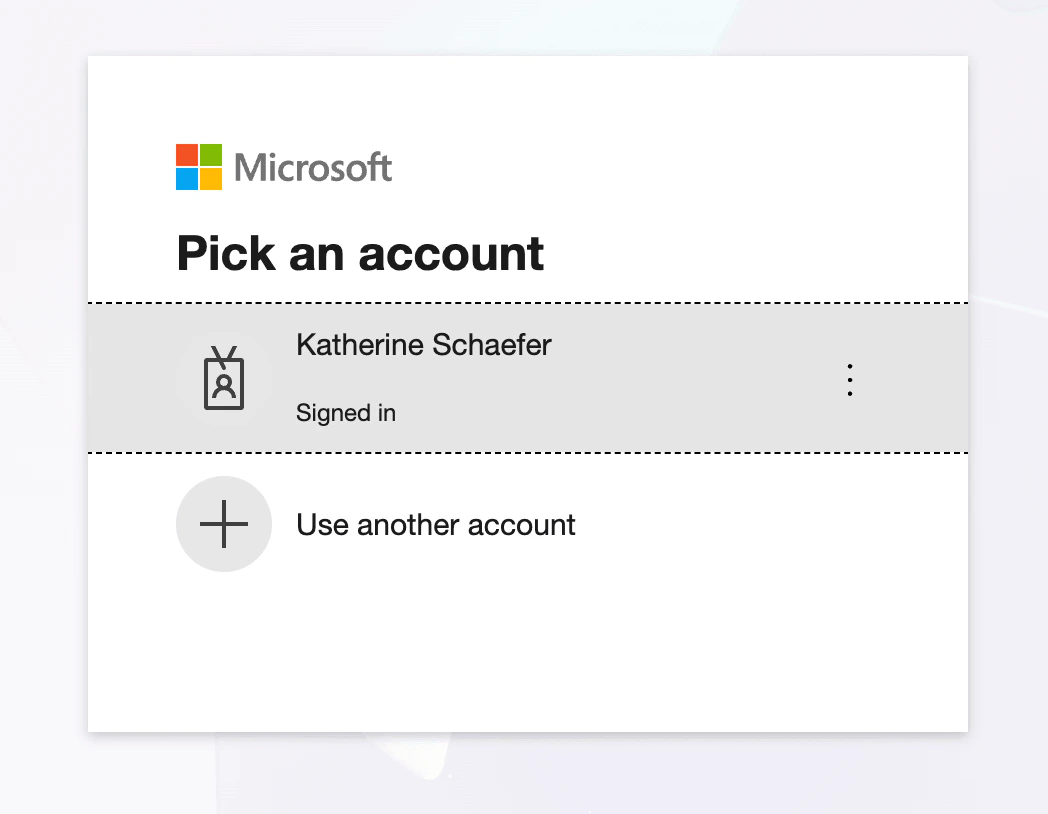
After clicking Connect, users will go through the Microsoft authentication flow to grant Endgame permission to ingest their calendar data.
Microsoft account selection
Users can disconnect their Outlook calendar anytime by clicking Disconnect next to the Outlook Calendar integration. A confirmation modal will appear. Click Disconnect to confirm. Your calendar stops syncing and Endgame will no longer have access to future meeting data. Disconnecting doesn’t delete meeting data Endgame has already synced.
Disconnect Outlook Calendar confirmation
Assistant
Responses are generated using AI and may contain mistakes.