Process Chorus call recordings and gain insights from your meetings
Use the instructions below to enable Chorus the integration in Endgame. Once enabled, Endgame will process your Chorus call data and provide insights via the Endgame UI.
Connecting to the Chorus API requires that the connecting user is a Chorus
Administrator
1
Access integrations
Log into Endgame and navigate to the integrations page.
Chorus connection
2
Add Chorus API key
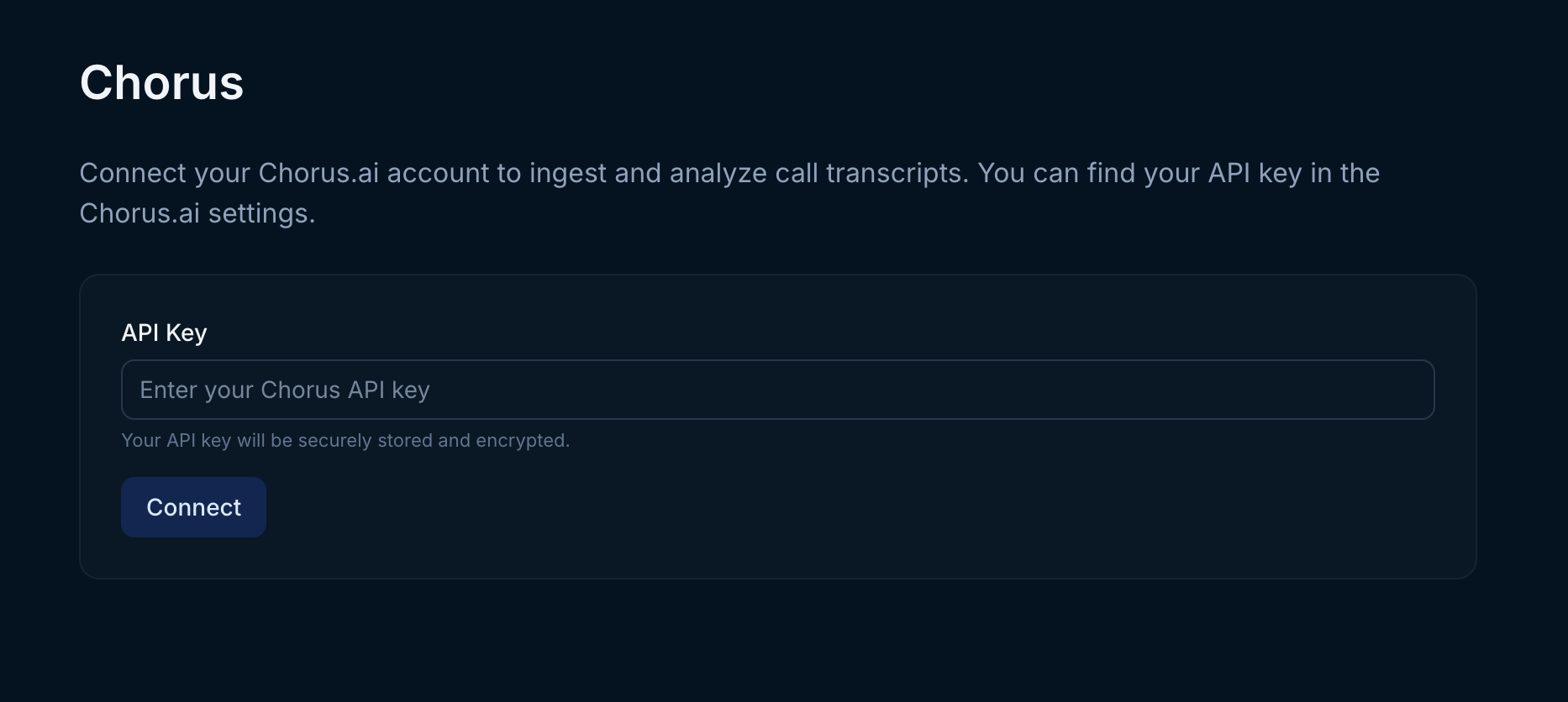
On the integrations page, click Connect for Chorus. You will need to generate a Chorus API key for use by Endgame. Within Chorus, navigate to Settings -> API Access -> Generate API token. On the Chorus management page enter your new Chorus API key and click Connect. Once your key has been added, Endgame will initiate ingestion and processing of your call data.
Endgame can only ingest meeting data that the API token creator has access to. If you’re not seeing the data you expect, it may be a token permissions issue. Contact us at support@endgame.io for additional support.
Chorus API key
Assistant
Responses are generated using AI and may contain mistakes.