

Skill artifacts
Often using a skill within a thread will generate an “artifact”. These artifacts can be slide decks, dashboards, excel spreadsheets, and more. You may want to make these artifacts public to share with your team or external stakeholders.Publishing Artifacts
Once you have generated a thread with a skill that outputs an artifact, you will see that artifact within the thread response. Some artifact types will show a preview image of the artifact, you can click this image to open a larger preview in a new tab. From this tab you can choose to download, publish, or export your artifact to Google Drive. You can also click to publish the artifact or export to Google Drive directly from the initial preview image.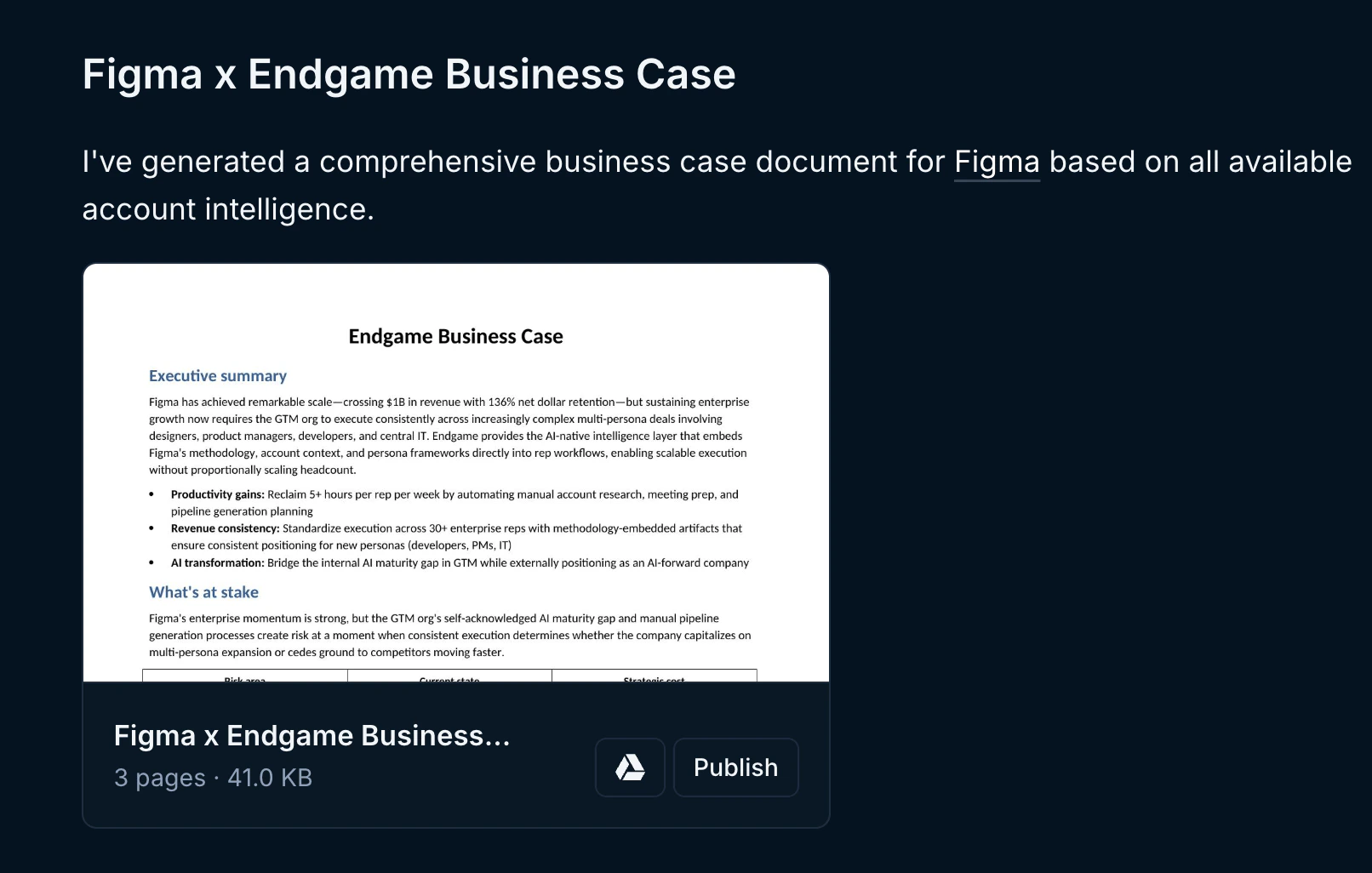
Artifact within thread

Artifact preview
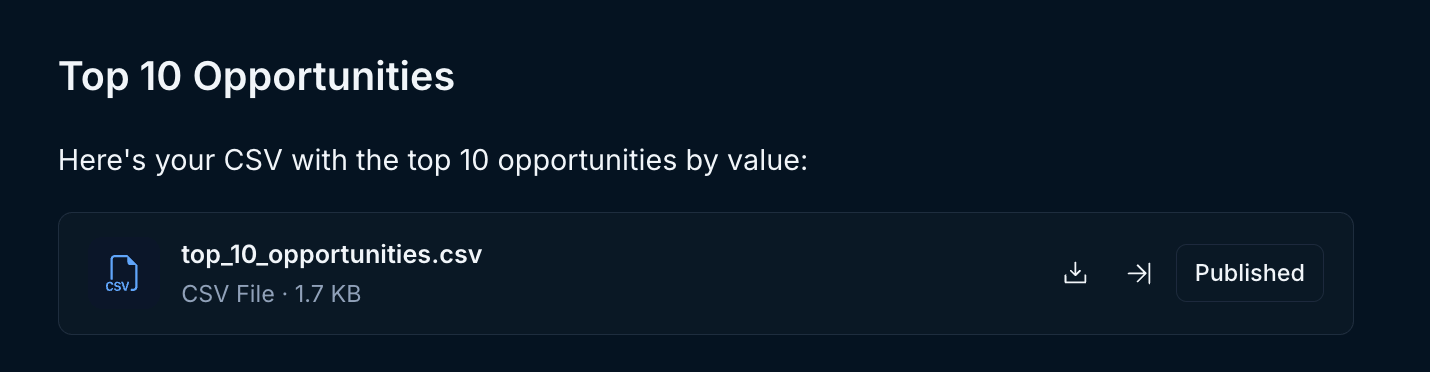
Artifact within thread
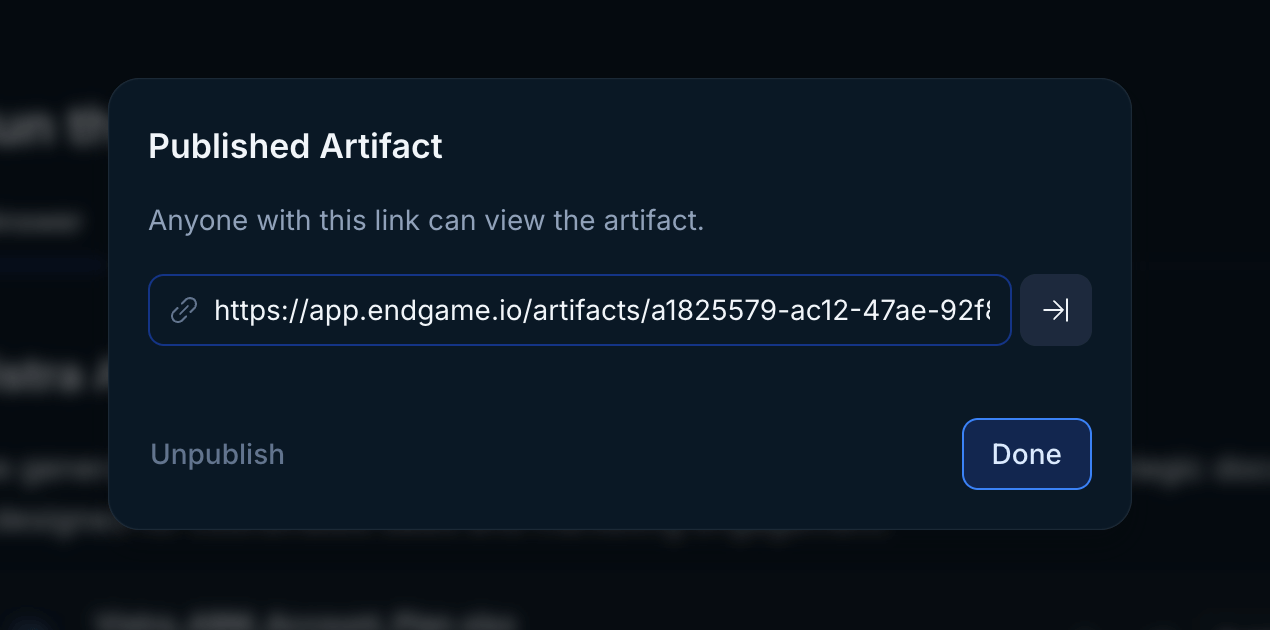
Published artifact modal
Viewing Artifacts
To view all the artifacts you have access to, both those you have created and those others have published within your organization, click on the Artifacts option in the left side navigation. This will take you to a list view of artifacts. From here, you can view the threads associated with artifacts, publish/unpublish them, and get the shareable url for an artifact.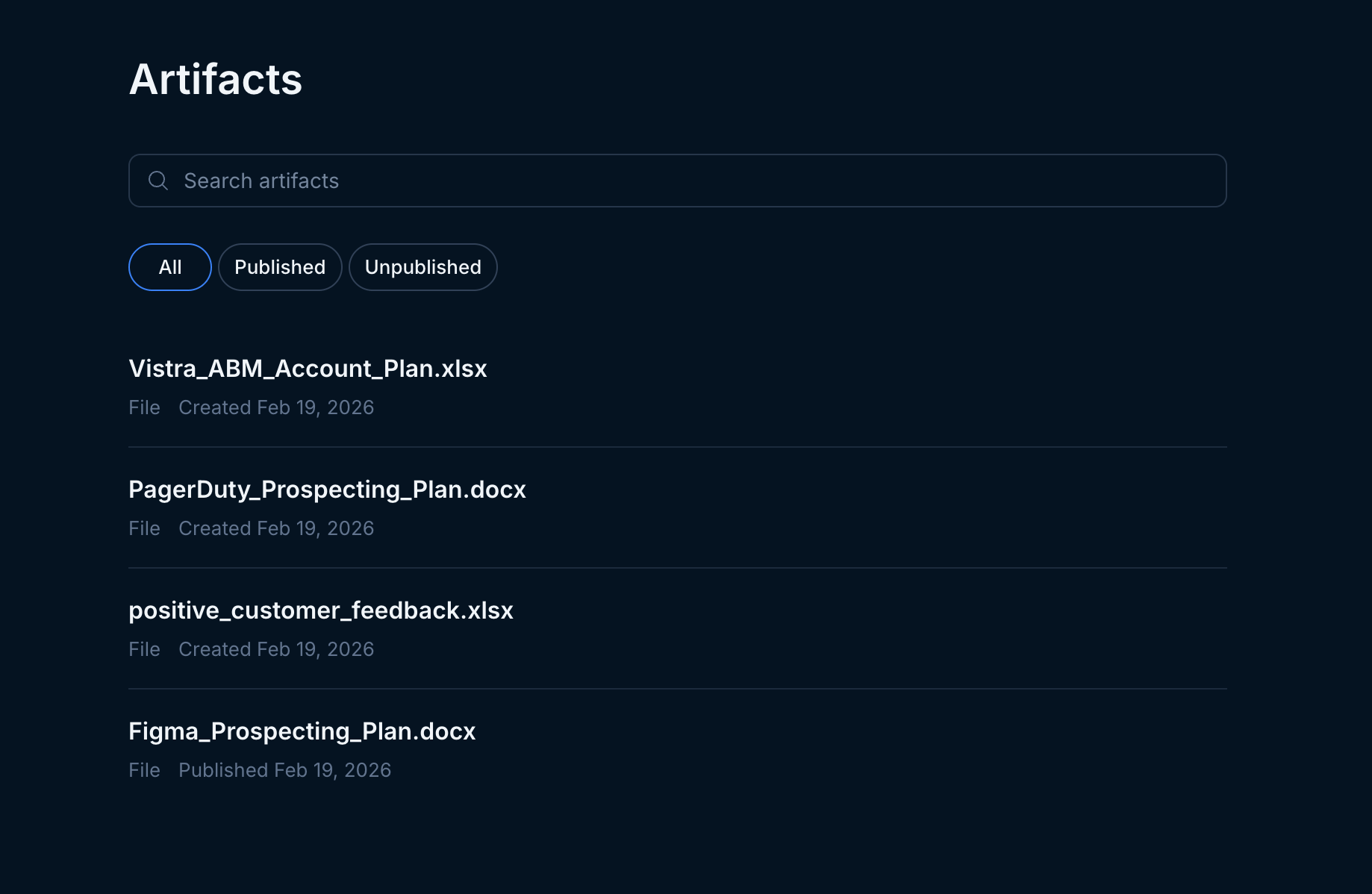
Artifact list
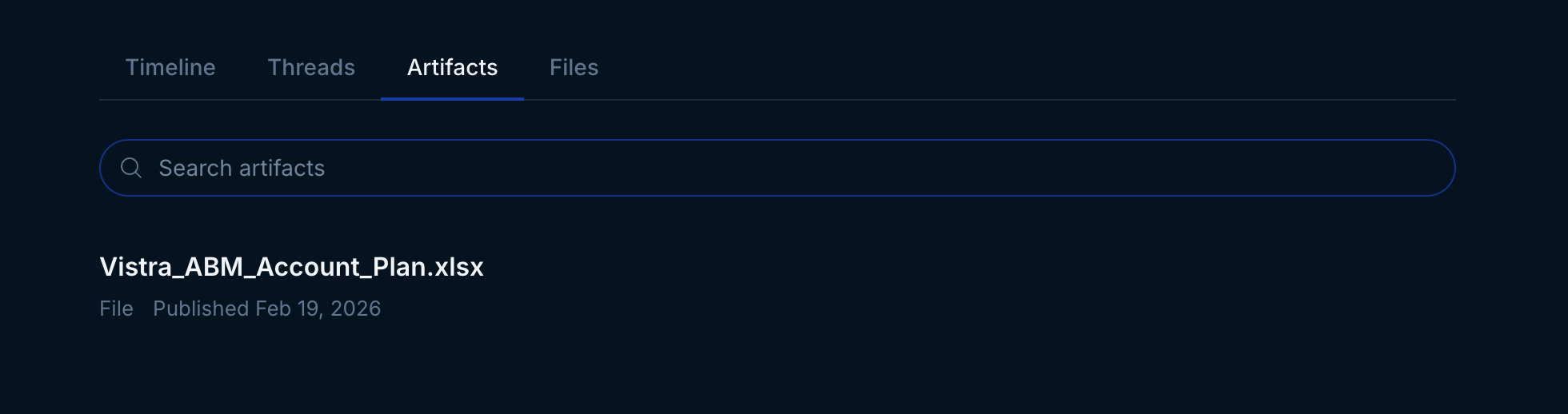
Artifact account view
Sharing Threads
As you ask Endgame questions in Threads, you may sometimes want to share the answers you’re getting with your colleagues while continuing to work in Endgame. We enable this by allowing you to share a thread. By sharing your Thread, it will now be available as a link to non-Endgame users as well as be visible to other Endgame users in the Shared Thread tab in the Account Detail page if it is account specific. If the thread is multi-account it will be present in the threads list and show a Shared label. To share your Thread, open up a thread and click “Share” at the top right corner. Doing so will present you with a modal, asking you to confirm whether you’d like to proceed.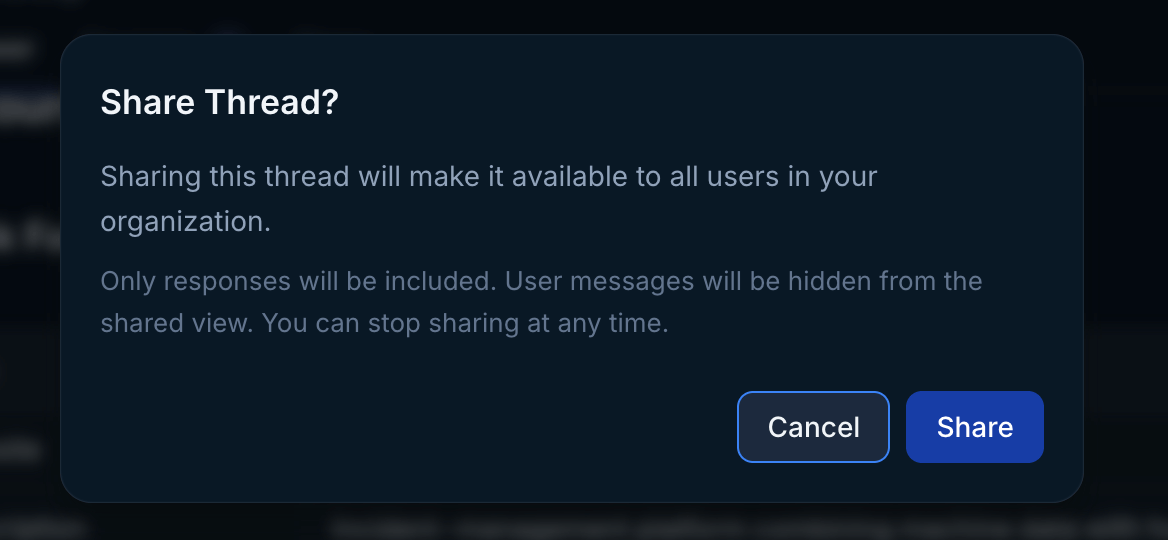
Confirmation dialog when sharing a Thread
Any changes, such as additional questions, made to a Shared Thread will be
reflected in the thread upon a refresh, and thus visible to external viewers
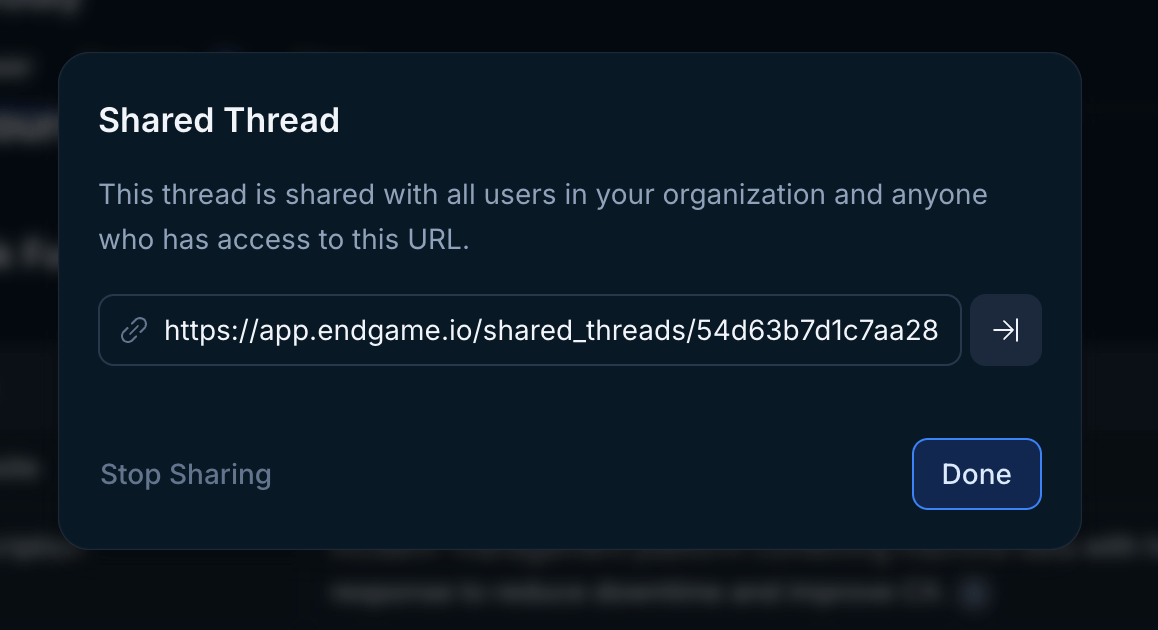
Share options
Collaborating with Threads
Sharing threads enables enhanced collaboration in two primary ways.External Sharing
First, a Thread that has been shared enables you to share it externally with anyone with a link. These shared threads are not editable and only show the generated title summary for each prompt within the Thread and its contents (not the initial prompts). The Thread owner can continue to chat with the original Thread in Endgame, and additional prompts and outputs will similarly be available in the shared thread.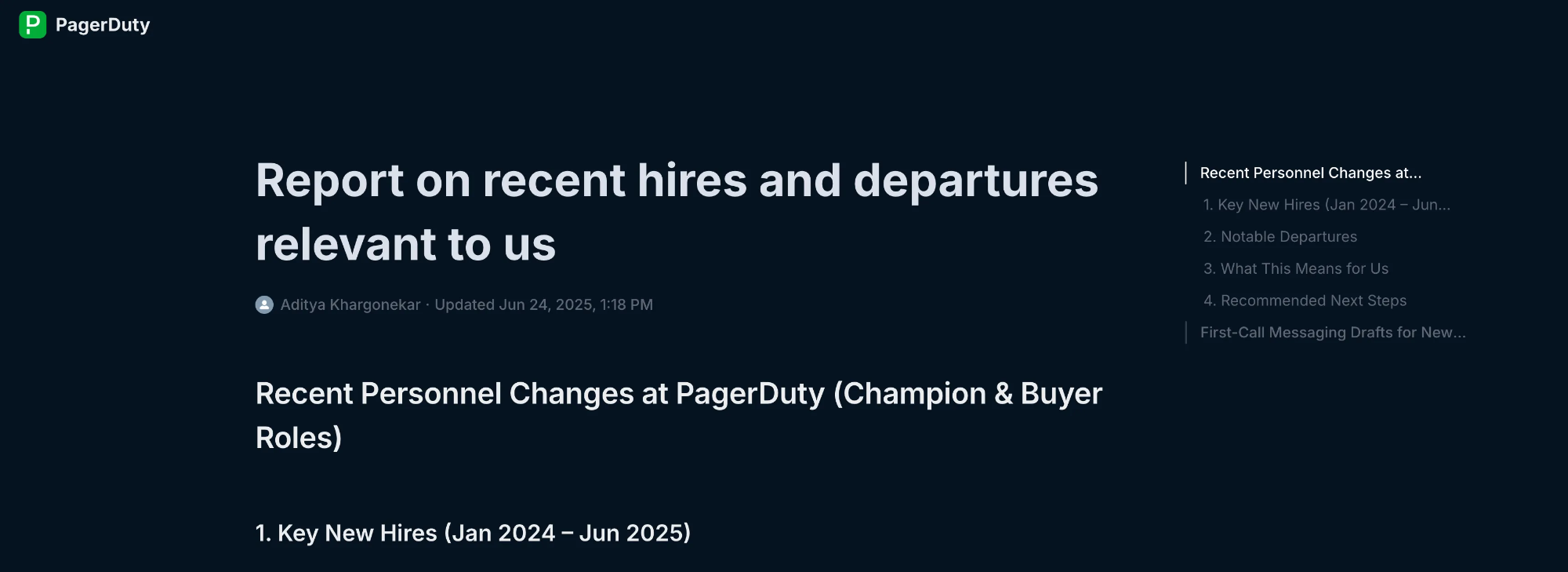
Shared thread
Internal Visibility
Second, while Threads are by default private to the user that created the Thread, once a Thread has been shared, the Thread will now be visible in the Threads tab on account details pages to all Endgame users.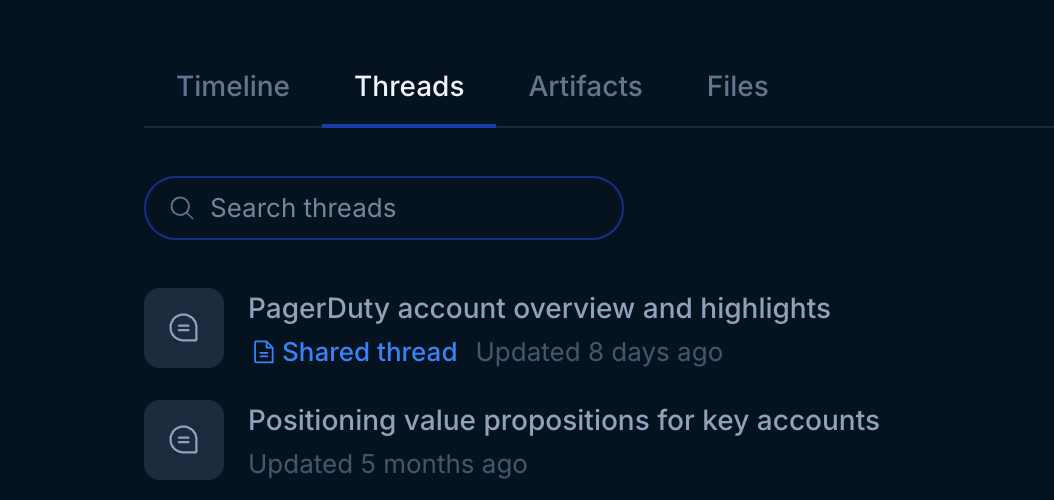
Account threads tab

Thread list