> ## Documentation Index
> Fetch the complete documentation index at: https://docs.endgame.io/llms.txt
> Use this file to discover all available pages before exploring further.
# Zoom
> Process Zoom call recordings and gain insights from your meetings
Use the instructions below to enable Zoom integration in Endgame. Once enabled, Endgame will process your Zoom call recording data and provide our insights via the Endgame UI.
## Adding the App
Connecting to the Zoom API requires that the connecting user is a Zoom
Administrator
Navigate to the [integrations page](https://app.endgame.io/settings/integrations). Only Endgame Admins can configure organization integrations
If needed, login to your Endgame account via Salesforce
From the integrations page, click "Connect" to kick off the Zoom authentication process.
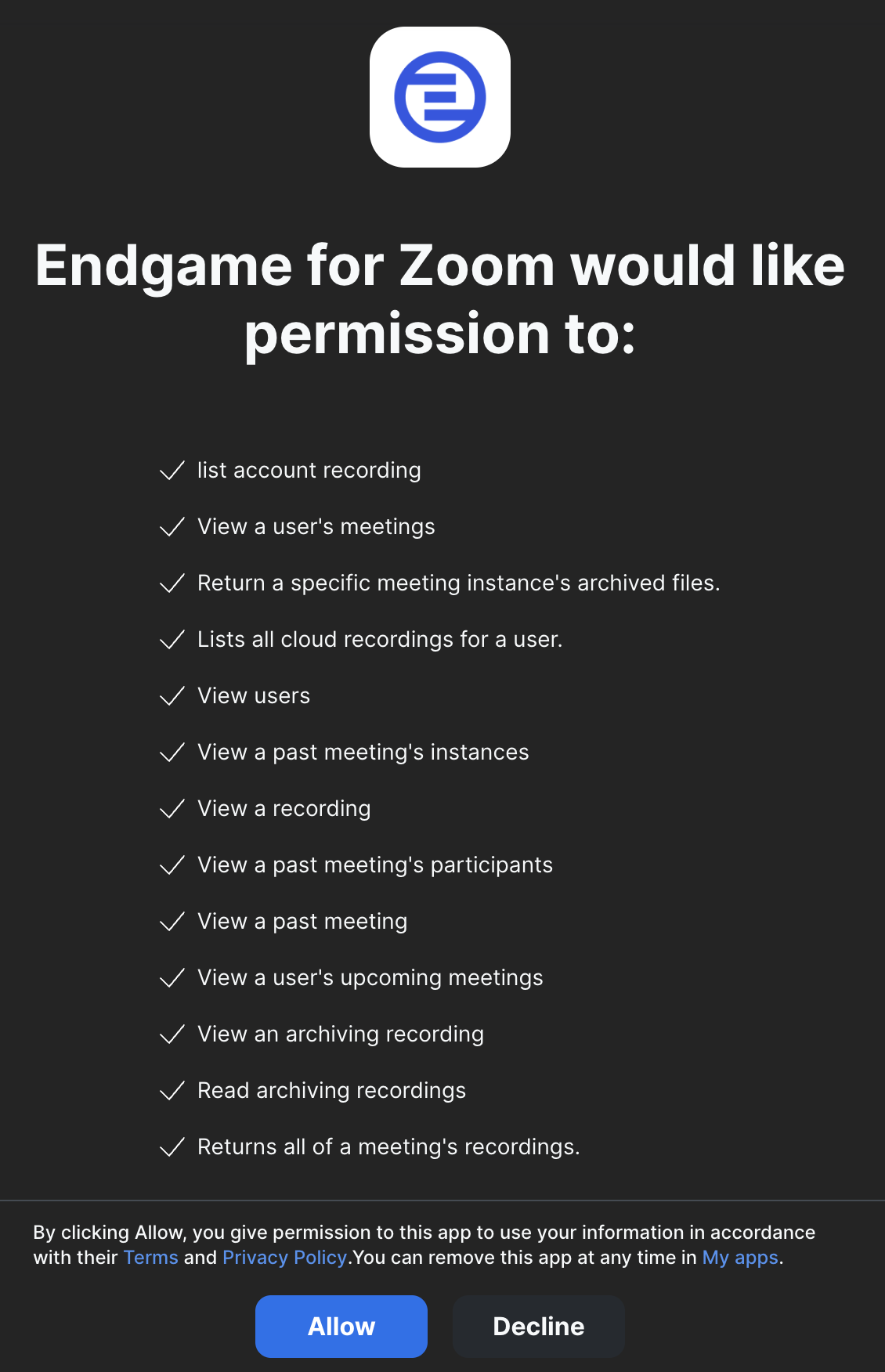
 In the resulting page, click "Allow" to grant Endgame access to your Zoom Account
 ## Usage
That's it! Now that you've connected Zoom to Endgame, we'll automatically ingest your data into our systems and present our insights in Endgame.
Endgame accesses meetings (both past and upcoming), their participants, and recordings.
Within Endgame, this allows us to show meetings that you've had on an account, which opportunities they're associated with, and to help build a robust picture of your interactions with customers and contacts.
## Removing the App
Log in to your Zoom account and navigate to the [Zoom App
Marketplace](https://marketplace.zoom.us/)
Click Manage → Added Apps, or search for the 'Endgame for Zoom' app
Click 'Remove'
* When the app is removed, Endgame will not surface new meetings or transcript
information. - Endgame does not automatically remove data when the app is
removed - contact [support@endgame.io](mailto:support@endgame.io) with data
removal requests.
## Troubleshooting
Connecting to the Zoom API requires that the connecting user is a Zoom Administrator
## Contact Support
We'd love to hear from you! You can reach us at [support@endgame.io](mailto:support@endgame.io).
Support Availability:
* Monday - Friday, 10AM - 4PM Pacific Time, excluding public holidays
* Initial Response SLA: 1 business day
## Usage
That's it! Now that you've connected Zoom to Endgame, we'll automatically ingest your data into our systems and present our insights in Endgame.
Endgame accesses meetings (both past and upcoming), their participants, and recordings.
Within Endgame, this allows us to show meetings that you've had on an account, which opportunities they're associated with, and to help build a robust picture of your interactions with customers and contacts.
## Removing the App
Log in to your Zoom account and navigate to the [Zoom App
Marketplace](https://marketplace.zoom.us/)
Click Manage → Added Apps, or search for the 'Endgame for Zoom' app
Click 'Remove'
* When the app is removed, Endgame will not surface new meetings or transcript
information. - Endgame does not automatically remove data when the app is
removed - contact [support@endgame.io](mailto:support@endgame.io) with data
removal requests.
## Troubleshooting
Connecting to the Zoom API requires that the connecting user is a Zoom Administrator
## Contact Support
We'd love to hear from you! You can reach us at [support@endgame.io](mailto:support@endgame.io).
Support Availability:
* Monday - Friday, 10AM - 4PM Pacific Time, excluding public holidays
* Initial Response SLA: 1 business day