> ## Documentation Index
> Fetch the complete documentation index at: https://docs.endgame.io/llms.txt
> Use this file to discover all available pages before exploring further.
# Microsoft Outlook Calendar
> Connect to Microsoft Outlook Calendar to sync your calendar data
Access to Microsoft integrations is managed by your organization. If the
Outlook integration isn't visible in Endgame, your organization hasn't enabled
it yet.
Individual users can sync their Outlook calendars to provide more accurate and comprehensive meeting data for use in chat responses. This can be done in [settings](https://app.endgame.io/settings) under Connections.
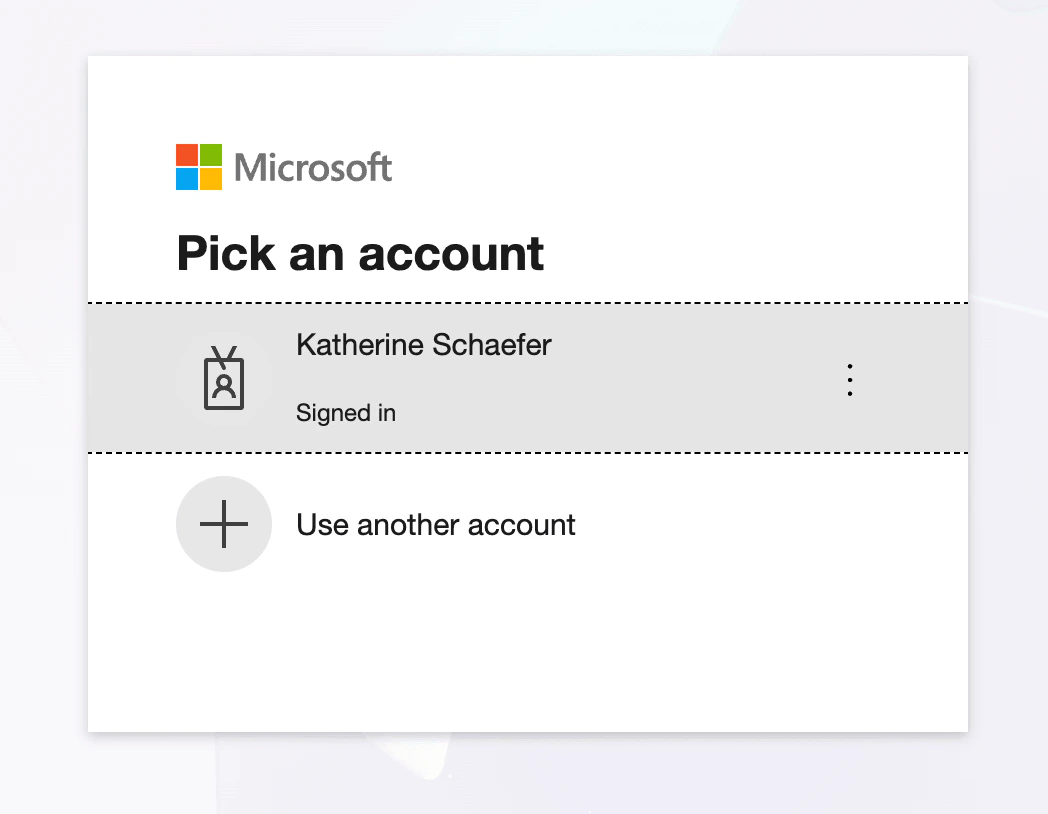
 After clicking **Connect**, users will go through the Microsoft authentication flow to grant Endgame permission to ingest their calendar data.
 Users can disconnect their Outlook calendar anytime by clicking **Disconnect** next to the Outlook Calendar integration. A confirmation modal will appear. Click **Disconnect** to confirm. The calendar will no longer sync and Endgame will not have access to future meeting information.
