> ## Documentation Index
> Fetch the complete documentation index at: https://docs.endgame.io/llms.txt
> Use this file to discover all available pages before exploring further.
# Chorus
> Process Chorus call recordings and gain insights from your meetings
Use the instructions below to enable Chorus the integration in Endgame. Once enabled, Endgame will process your Chorus call data and provide insights via the Endgame UI.
## Adding the App
Connecting to the Chorus API requires that the connecting user is a Chorus
Administrator
Log into Endgame and navigate to the [integrations](https://app.endgame.io/settings/integrations) page.
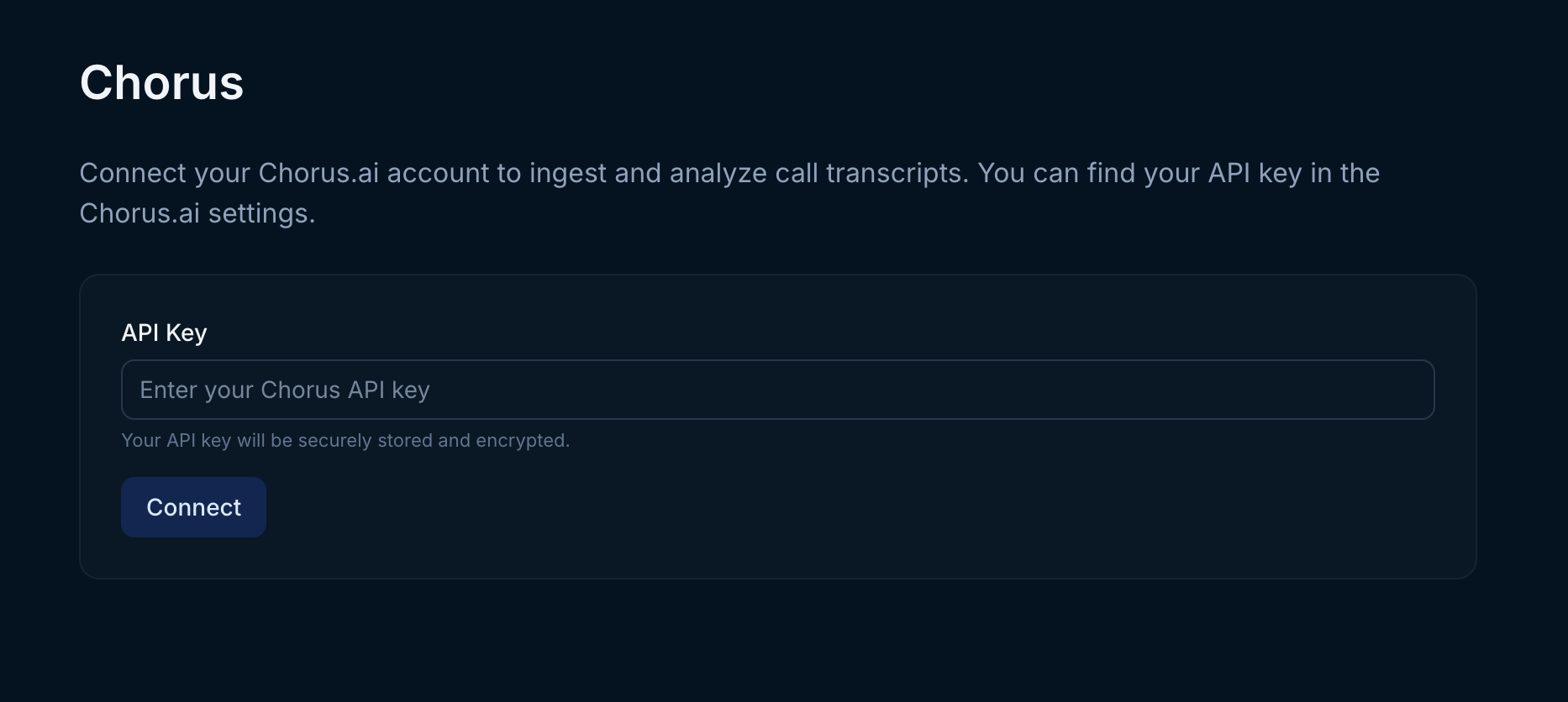
 On the integrations page, click Connect for Chorus. You will need to generate a Chorus API key for use by Endgame. Within Chorus, navigate to Settings -> API Access -> Generate API token. On the Chorus management page enter your new Chorus API key and click Connect. Once your key has been added, Endgame will initiate ingestion and processing of your call data.
Endgame can only ingest meeting data that the API token creator has access to. If you're not seeing the data you expect, it may be a token permissions issue. Contact us at [support@endgame.io](mailto:support@endgame.io) for additional support.
On the integrations page, click Connect for Chorus. You will need to generate a Chorus API key for use by Endgame. Within Chorus, navigate to Settings -> API Access -> Generate API token. On the Chorus management page enter your new Chorus API key and click Connect. Once your key has been added, Endgame will initiate ingestion and processing of your call data.
Endgame can only ingest meeting data that the API token creator has access to. If you're not seeing the data you expect, it may be a token permissions issue. Contact us at [support@endgame.io](mailto:support@endgame.io) for additional support.